Baixar
Seu tempo, sempre à mão.
Uma olhada no celular. Um momento no pulso. Um canto tranquilo na área de trabalho. Mantenha o tempo restante do turno onde funciona para você.



Disponível em Windows · Mac · iPhone/iPad · Android (Em breve)


What DoneAt does on iPhone and Apple Watch
The countdown on your phone, the time left on your Lock Screen and wrist, and a whole month of shifts on one calendar.
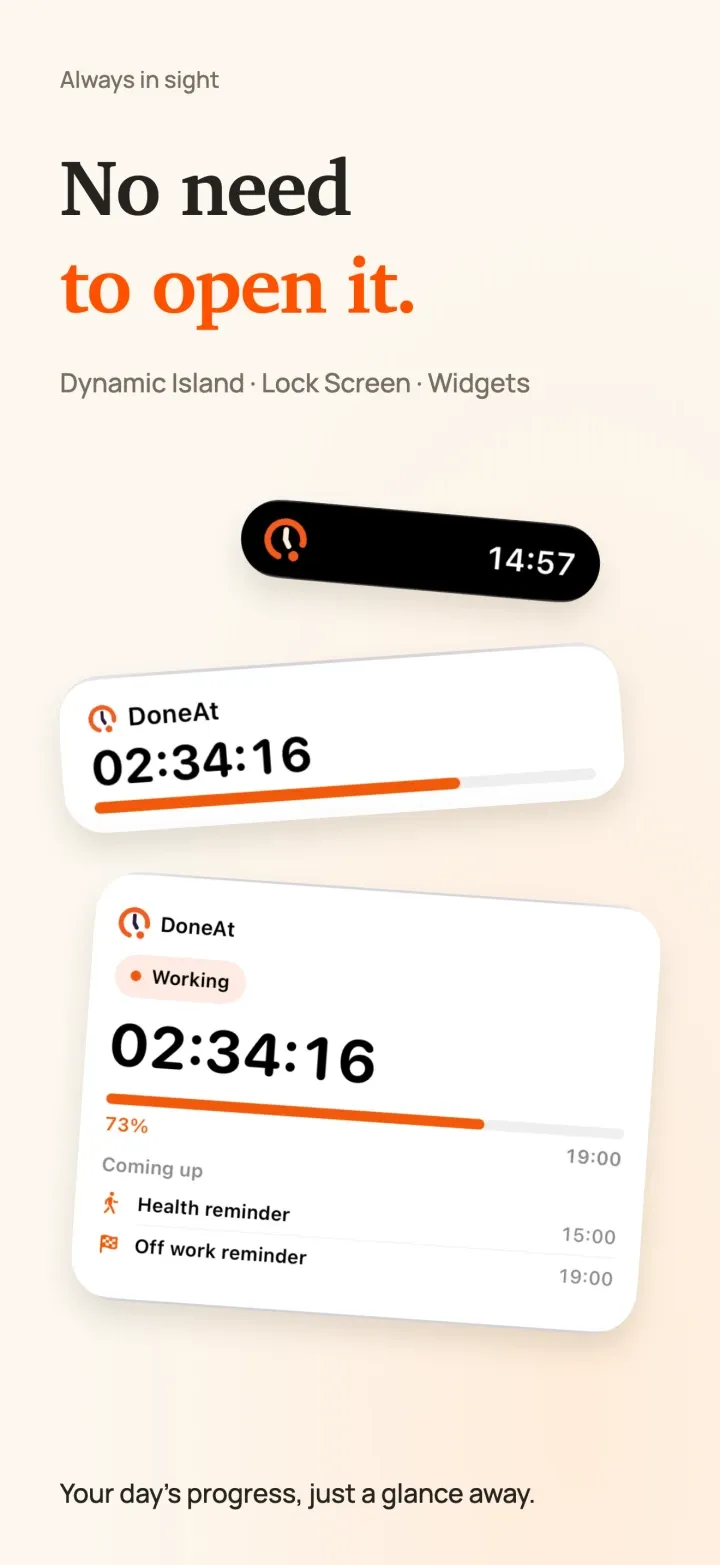
Home Screen and Lock Screen widgets show the time left without opening the app. On supported iPhone models, a Live Activity keeps your progress on the Lock Screen and in the Dynamic Island.
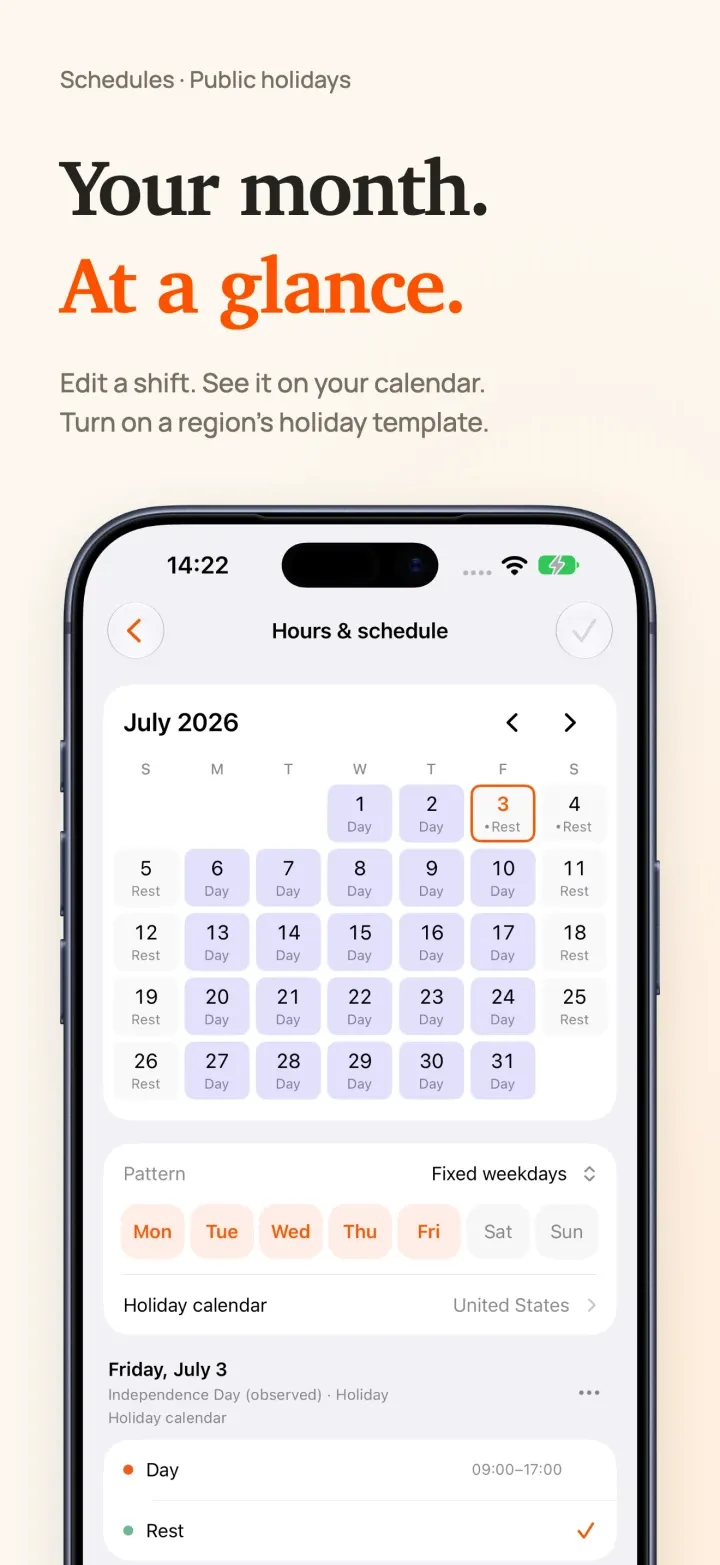
Set up and review your schedule on one monthly calendar: fixed weekdays, alternating weeks, shift rotations, free scheduling or manual timing, with every change visible right away. Choose a country or region and your schedule follows its public holidays. Updating from an earlier version? Turn it on in Work Hours & Schedule.
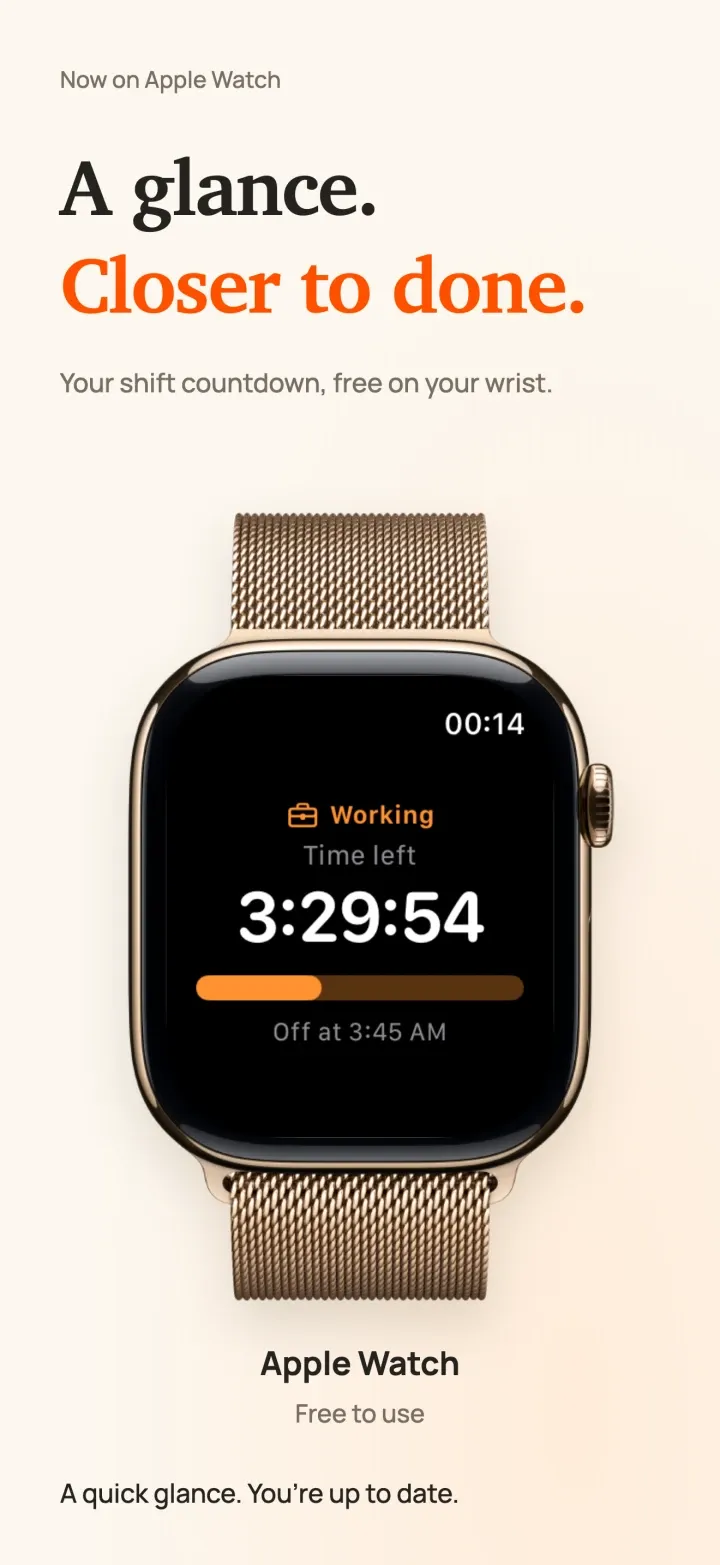
Glance at your wrist to see the time left and when you clock out, and add one of two complications to your watch face. DoneAt for Apple Watch is free, with no DoneAt Plus needed, and shows times and progress, never salary.
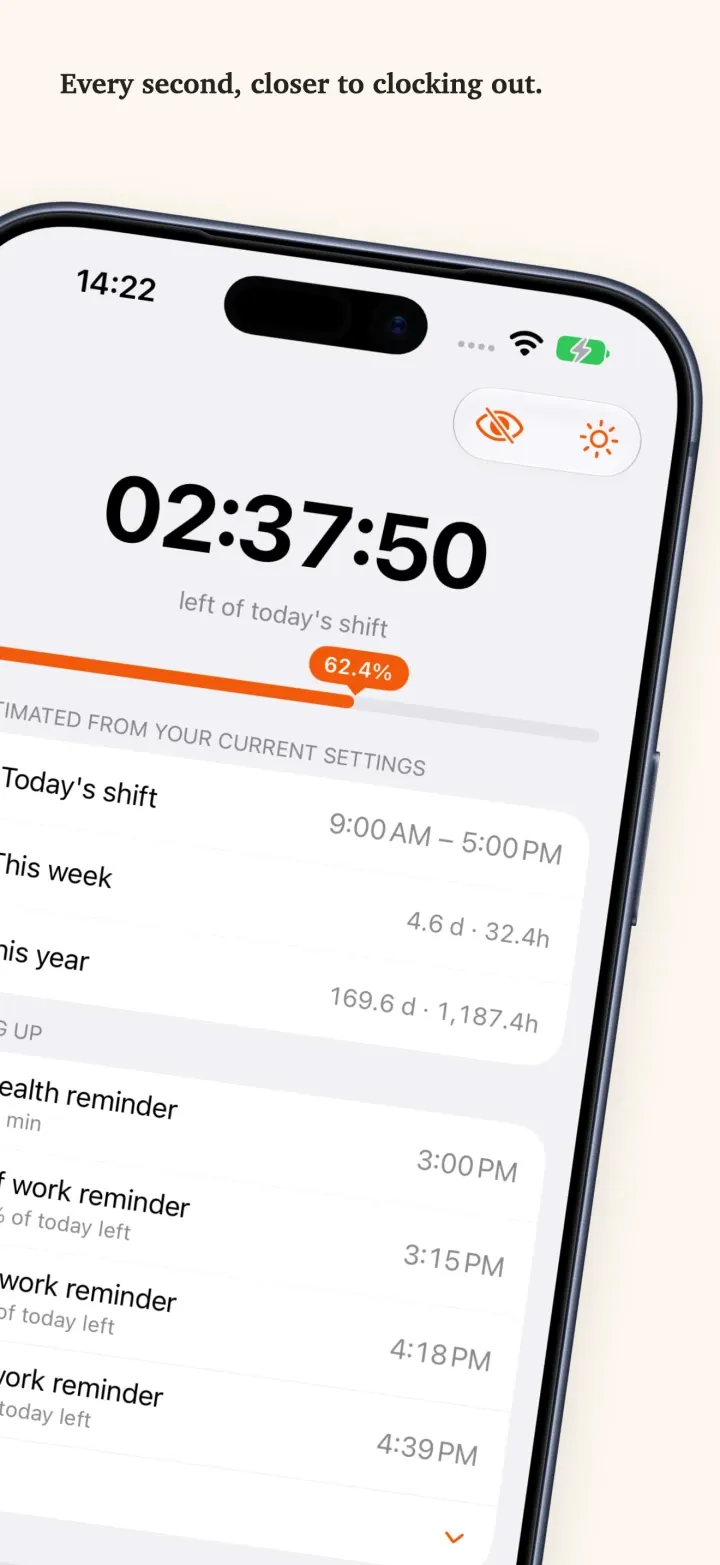
See how long is left in today’s shift, with your lunch break taken out, and this week’s and this year’s hours right below. Lunch, a stretch break and the end of your shift show up next under Coming up.
On your desk. Out of your way.
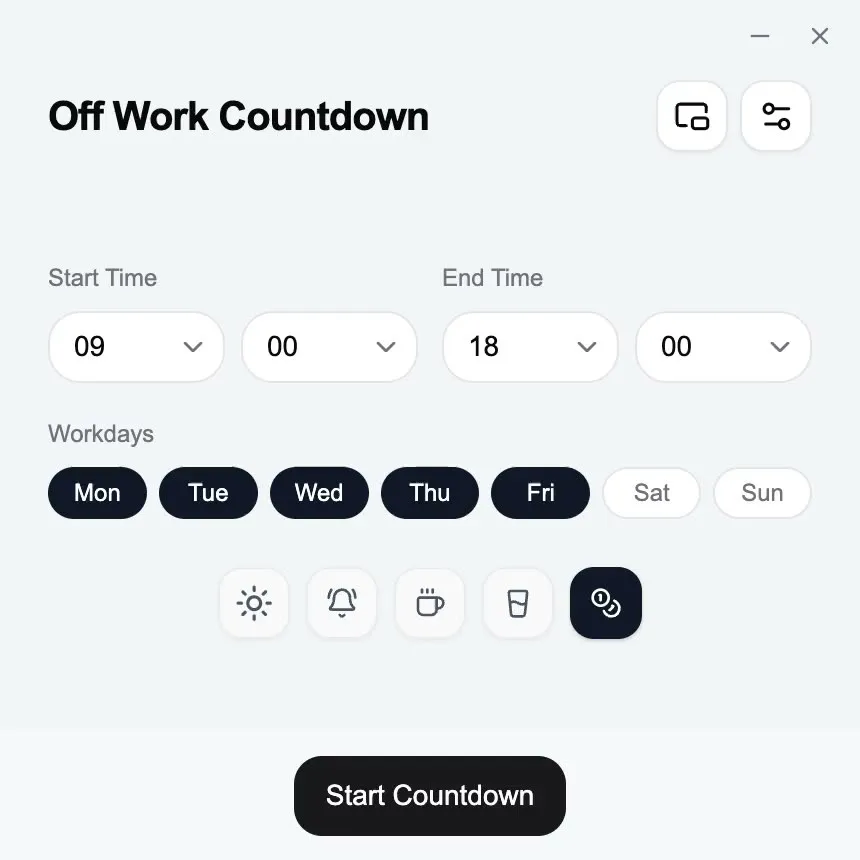
Keep the time left in your menu bar, system tray or mini timer. Hide the window; your clock-out reminder stays with you.
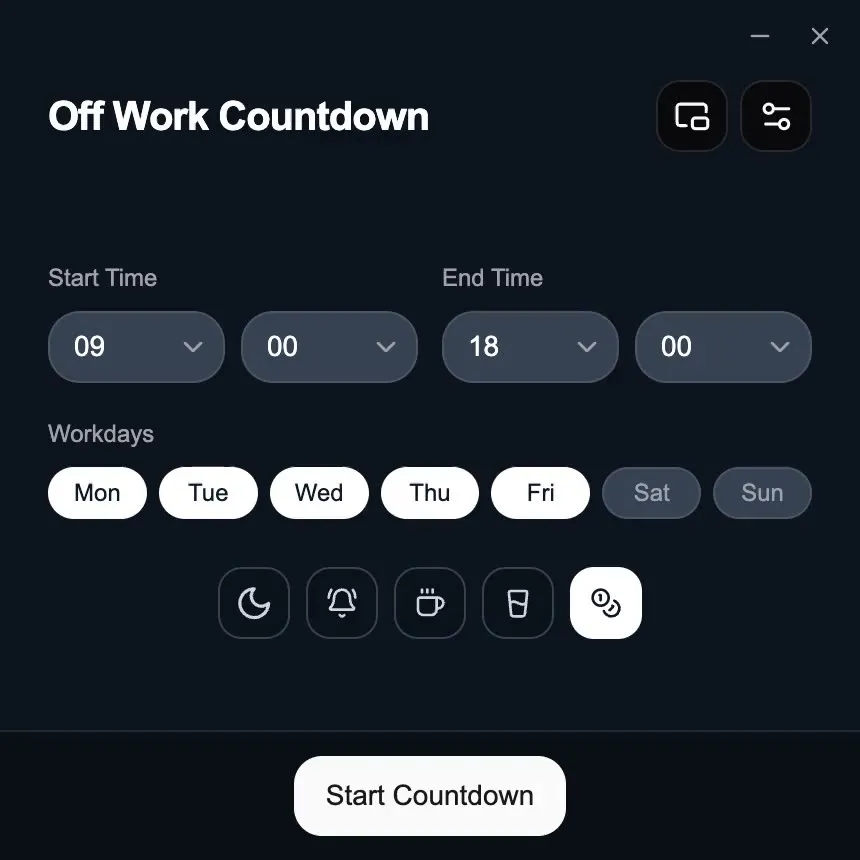
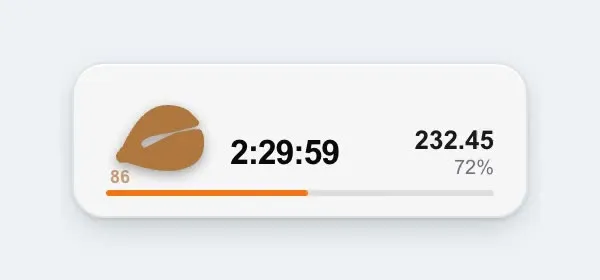
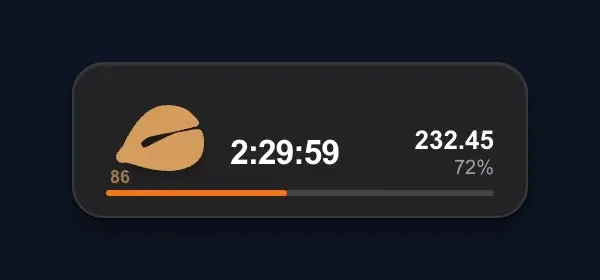
Where it lives is what changes
The countdown, today’s earnings, and overnight shifts are on both. On iPhone you can also plan the month on a calendar, follow public holidays, fold in a year-end bonus, lock salary behind biometrics, and check the time on Apple Watch.
Scroll sideways to compare both platforms →
| Feature | iPhone / iPad | Computer |
|---|---|---|
| Shift countdown | Live remaining time and progress | Live remaining time and progress |
| Today’s earnings | Monthly or daily pay, by progress | Monthly or daily pay, by progress |
| Overnight shifts | End time before start crosses midnight | End time before start crosses midnight |
| Monthly calendar | Fixed weekdays, alternating weeks, rotations, free scheduling or manual timing | One start and end time |
| Public holidays | By country or region, turned on in Work Hours & Schedule | No |
| Year-end bonus | Folds into today’s earnings | Monthly or daily pay |
| Salary lock | Biometrics to open salary settings or show the amount | No |
| Coming up | Health reminders, shift progress, lunch | No |
| Recurring schedule | Set once; it cycles on its own. After that, the widget is enough | No |
| Reminders after you leave | System notifications | System notifications with the window hidden |
| Close at hand | Home Screen and Lock Screen widgets, Live Activities | Menu bar, tray, and mini timer |
| Apple Watch | Free app and two complications | No |
| Launch at login and shortcut | Open it from the home screen | Ready after login, one shortcut away |
| Data storage | Local by default, with optional private iCloud sync | Hours and salary are not uploaded |
Por que ter um app nativo
O temporizador do navegador é suficiente para começar. No celular ou computador, o DoneAt pode continuar funcionando depois que você fechar a página.
Notificações que chegam
Saia da tela. O sistema ainda pode avisar quando o turno está acabando. No navegador, isso só funciona enquanto a aba estiver aberta.
Sempre à mão
No computador, o tempo restante pode ficar na barra de menus ou na bandeja do sistema, e no celular pode ficar entre seus outros apps e widgets. Você não precisa procurar uma aba do navegador.
Continua contando
Feche a página, bloqueie o celular ou esconda a janela. A contagem regressiva no dispositivo onde você instalou continua de onde parou.
Os dados no Mac e Windows ficam nesse computador. No iPhone e iPad, os dados são locais por padrão, com sincronização opcional pelo seu banco de dados privado do iCloud. Não há conta DoneAt para criar.