下載
將放工時刻,帶喺身邊。
手機上望一眼,手腕上抬一下,桌面上留一角。今日呢更仲剩幾耐,喺你順手嘅地方睇到。




可用於 Windows · Mac · iPhone/iPad · Android (即將推出)


What DoneAt does on iPhone and Apple Watch
The countdown on your phone, the time left on your Lock Screen and wrist, and a whole month of shifts on one calendar.
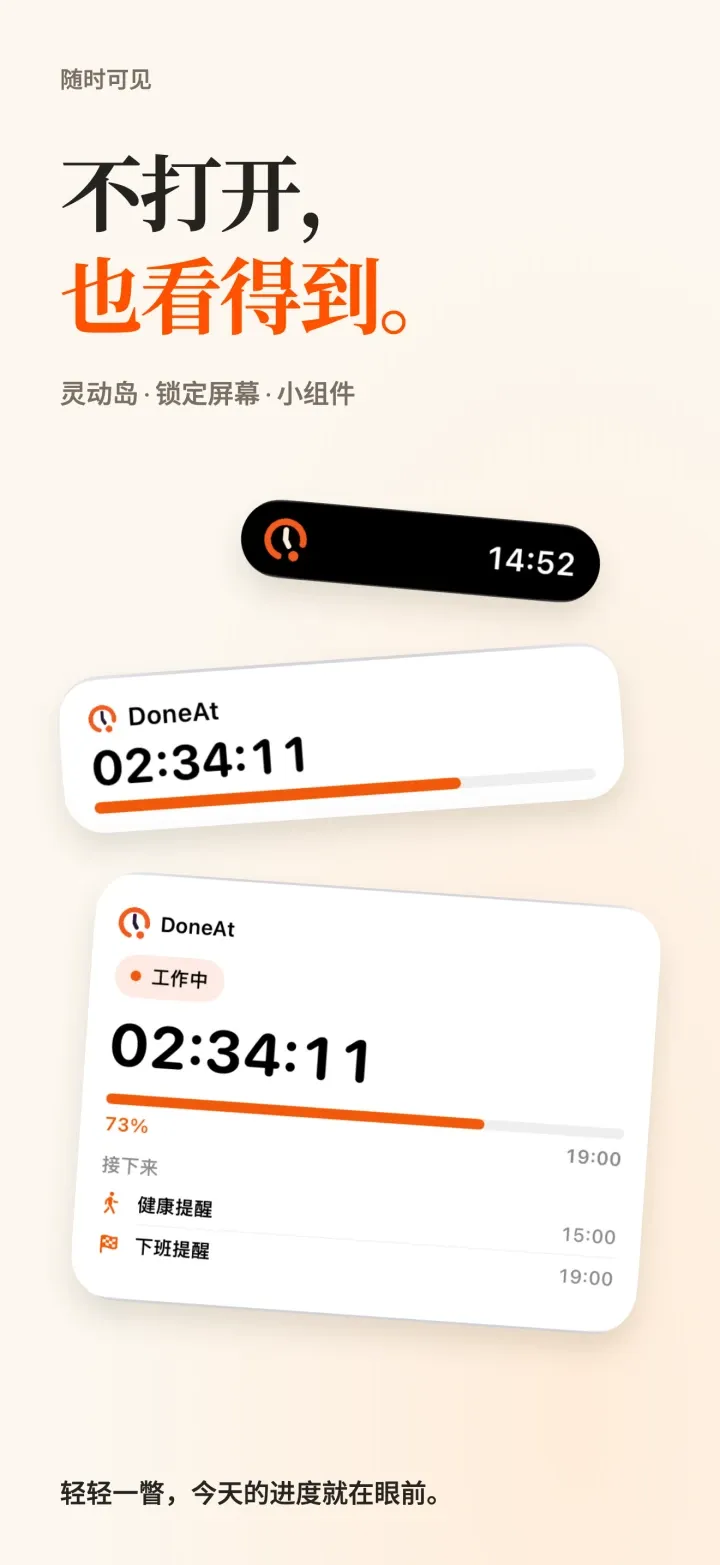
Home Screen and Lock Screen widgets show the time left without opening the app. On supported iPhone models, a Live Activity keeps your progress on the Lock Screen and in the Dynamic Island.
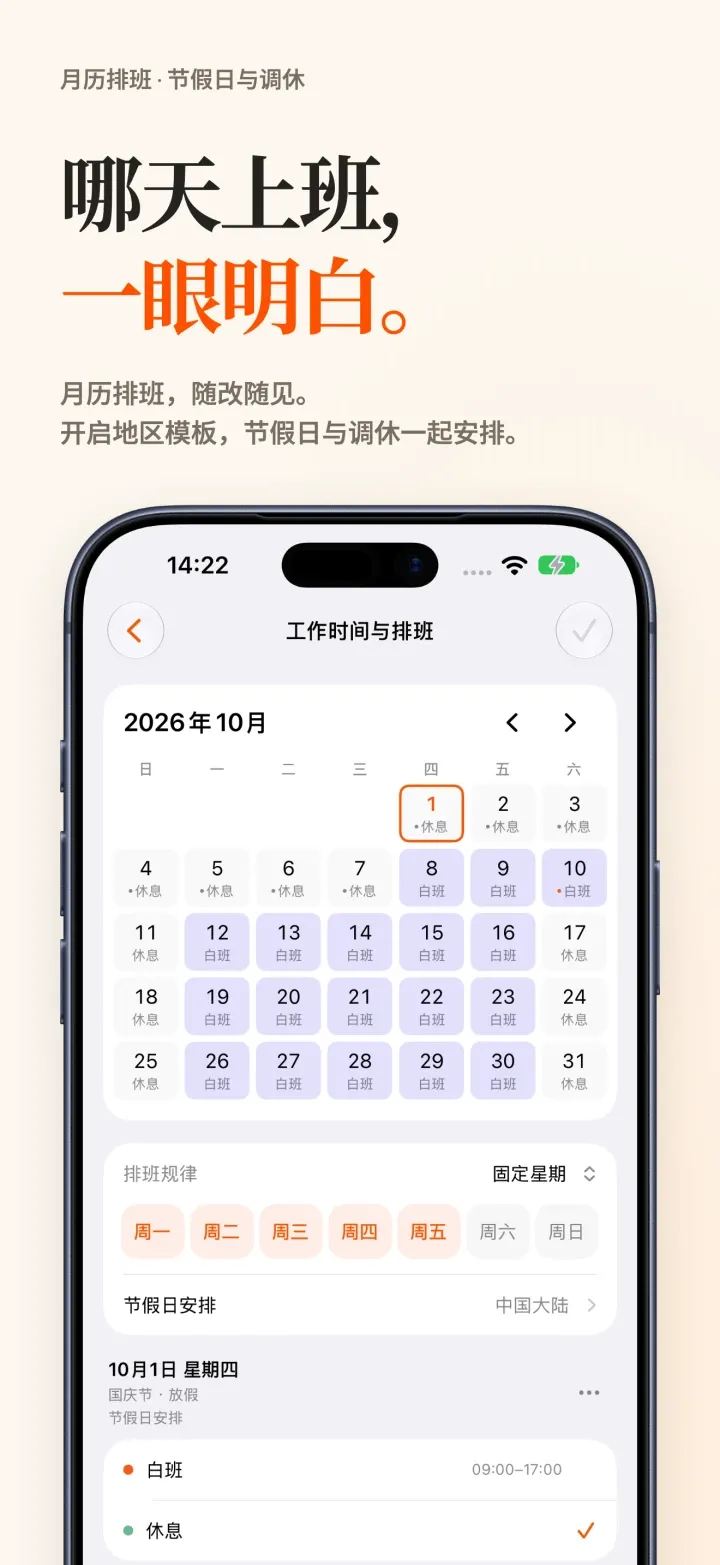
Set up and review your schedule on one monthly calendar: fixed weekdays, alternating weeks, shift rotations, free scheduling or manual timing, with every change visible right away. Choose a country or region and your schedule follows its public holidays. Updating from an earlier version? Turn it on in Work Hours & Schedule.
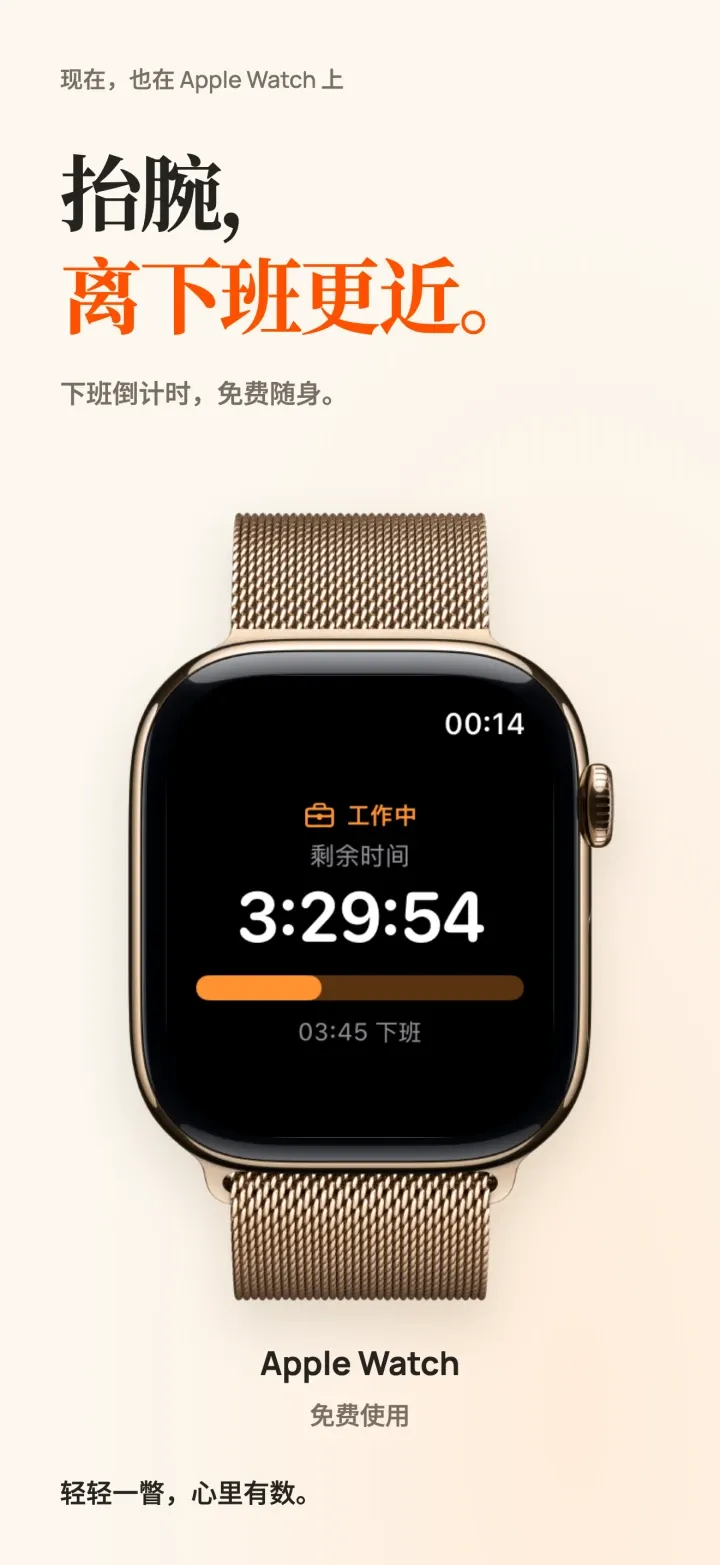
Glance at your wrist to see the time left and when you clock out, and add one of two complications to your watch face. DoneAt for Apple Watch is free, with no DoneAt Plus needed, and shows times and progress, never salary.
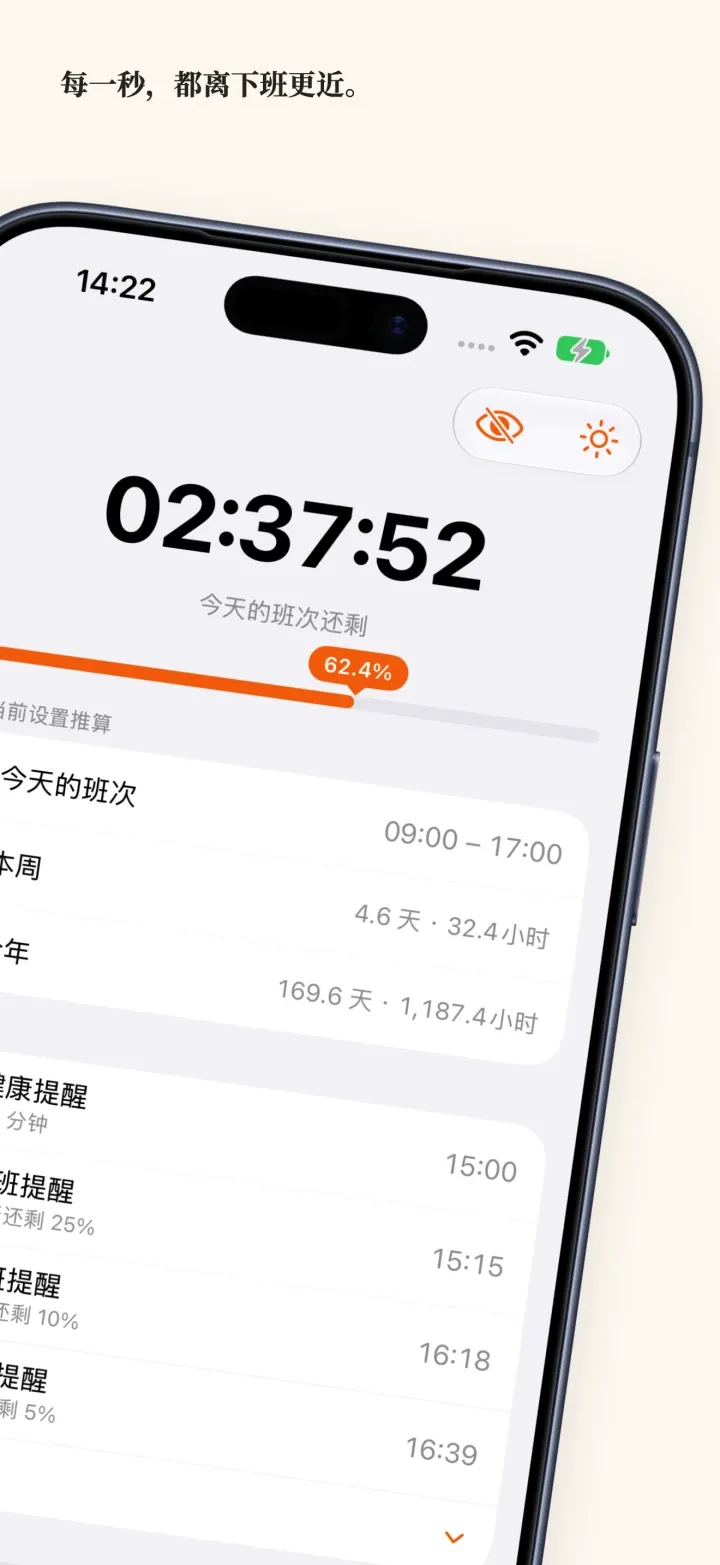
See how long is left in today’s shift, with your lunch break taken out, and this week’s and this year’s hours right below. Lunch, a stretch break and the end of your shift show up next under Coming up.
On your desk. Out of your way.
Keep the time left in your menu bar, system tray or mini timer. Hide the window; your clock-out reminder stays with you.
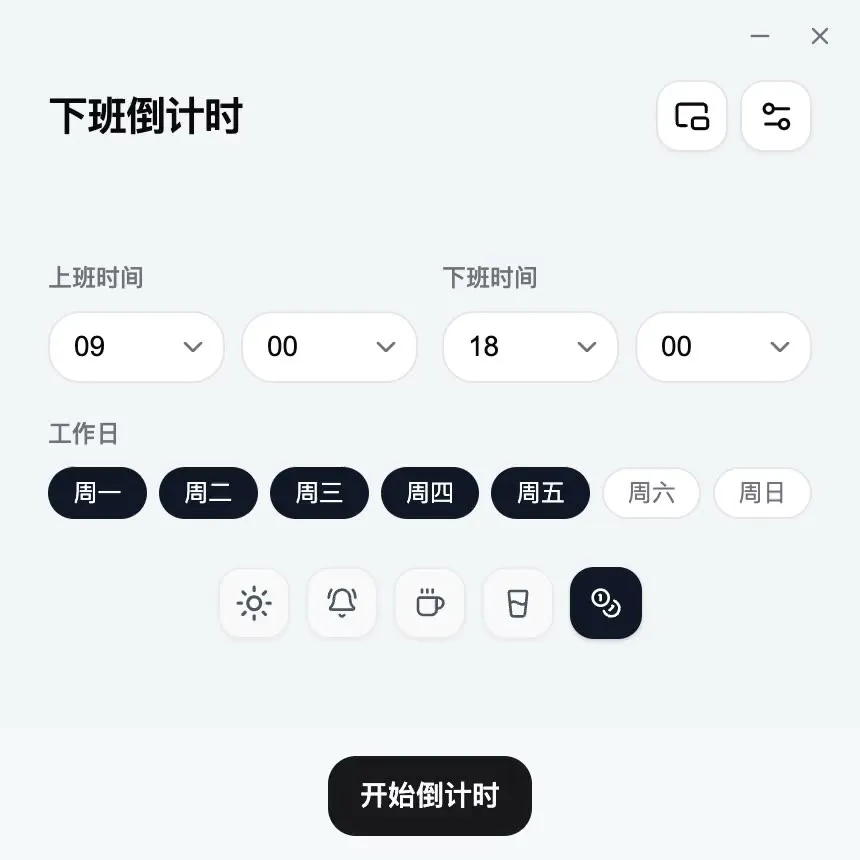
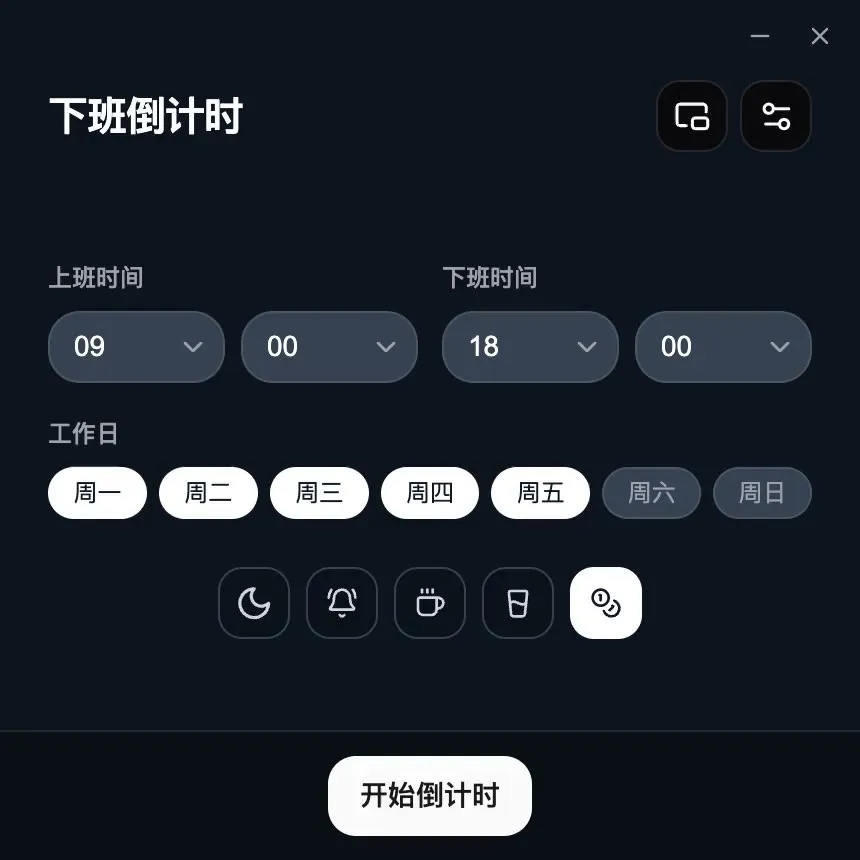
Where it lives is what changes
The countdown, today’s earnings, and overnight shifts are on both. On iPhone you can also plan the month on a calendar, follow public holidays, fold in a year-end bonus, lock salary behind biometrics, and check the time on Apple Watch.
Scroll sideways to compare both platforms →
| Feature | iPhone / iPad | Computer |
|---|---|---|
| Shift countdown | Live remaining time and progress | Live remaining time and progress |
| Today’s earnings | Monthly or daily pay, by progress | Monthly or daily pay, by progress |
| Overnight shifts | End time before start crosses midnight | End time before start crosses midnight |
| Monthly calendar | Fixed weekdays, alternating weeks, rotations, free scheduling or manual timing | One start and end time |
| Public holidays | By country or region, turned on in Work Hours & Schedule | No |
| Year-end bonus | Folds into today’s earnings | Monthly or daily pay |
| Salary lock | Biometrics to open salary settings or show the amount | No |
| Coming up | Health reminders, shift progress, lunch | No |
| Recurring schedule | Set once; it cycles on its own. After that, the widget is enough | No |
| Reminders after you leave | System notifications | System notifications with the window hidden |
| Close at hand | Home Screen and Lock Screen widgets, Live Activities | Menu bar, tray, and mini timer |
| Apple Watch | Free app and two complications | No |
| Launch at login and shortcut | Open it from the home screen | Ready after login, one shortcut away |
| Data storage | Local by default, with optional private iCloud sync | Hours and salary are not uploaded |
點解仲要裝一個應用程式
網頁計時已經夠你開始。裝到手機或電腦上之後,閂咗頁面,DoneAt 都仲可以接住行。
通知仲會響
離開畫面之後,系統仲可以喺更份接近完結嘅時候提醒你。瀏覽器入面只有標籤仲開住先做到呢一點。
抬眼就喺度
喺電腦上,剩餘時間可以留喺選單列或系統匣;喺手機上,佢可以同其他應用程式、小工具放埋一齊。唔使再翻瀏覽器標籤。
閂咗頁面都仲喺度行
閂咗頁面、鎖住手機或收埋視窗,裝喺呢部裝置上嘅倒數計時會接住倒數。
Mac 同 Windows 資料留喺呢部電腦上。iPhone 同 iPad 預設保存喺本機,亦可以揀透過你嘅私人 iCloud 資料庫同步。唔使註冊 DoneAt 帳號。